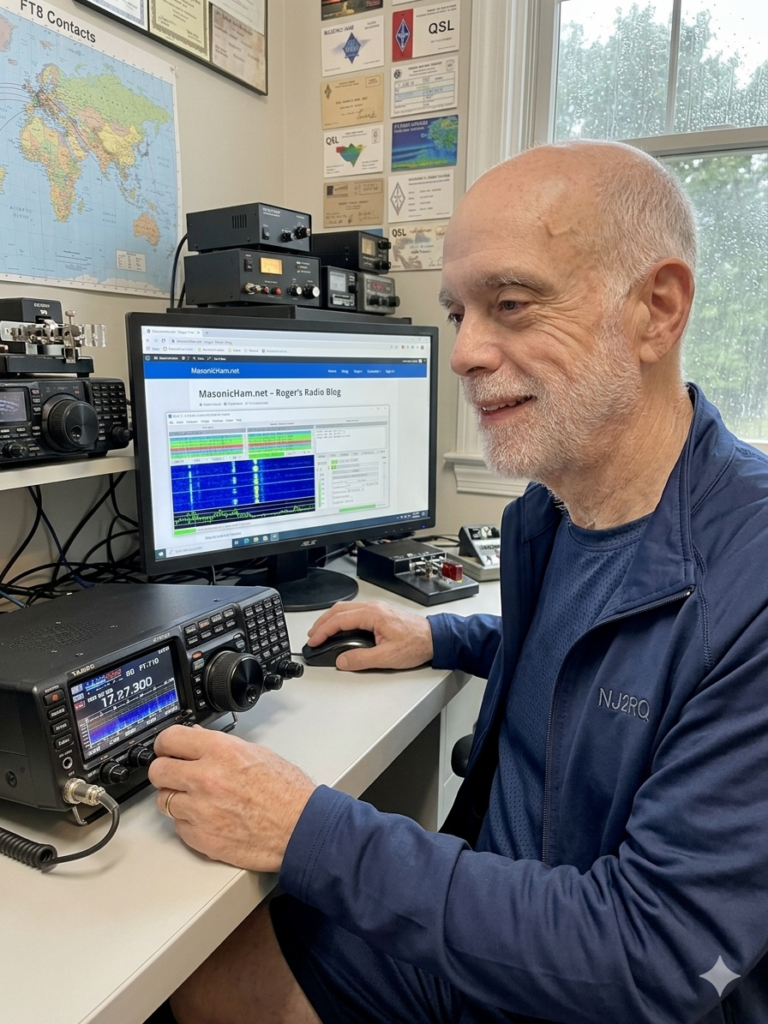
There is a unique kind of magic in amateur radio that never gets old. This morning, I sat in my shack, sipped a coffee, and watched my screen as a station in New Zealand confirmed a contact with me. Then Russia. Then Japan.
The kicker? I wasn’t using a massive tower. I was using an inexpensive wire antenna in my front yard and a mode called FT8.
The best part about FT8 is its accessibility. You don’t need the latest $3,000 transceiver to do this. Whether you have a brand-new SDR or a 30-year-old “boat anchor,” you can be chasing DX across the globe by lunchtime.
What is FT8?
FT8 is a “weak-signal” digital mode. Because the software uses advanced digital signal processing, it can “hear” signals that are 10-15 dB below the noise floor—signals your ears would never even register. This makes it the ultimate “equalizer” for hams with modest setups or restricted yards.
1. The Essential Gear
To get on the air, you need three core components:
• The Radio: Any SSB-capable transceiver will work.
• The Antenna: A simple End-Fed Half-Wave (EFHW) or a dipole in your yard is perfect. Because FT8 is so efficient, height is less critical than it is for voice.
• The Computer: Any modern laptop or desktop (Windows, Mac, or Linux). Even an old “shack PC” has enough power for this.
2. Bridging the Gap: The Interface
How you connect your radio to your computer depends on your rig:
• Modern Rigs (The USB Way): Radios like the Yaesu FT-710 or Icom 7300 have built-in sound cards. You just need a single USB cable and the correct drivers.
• Classic Rigs (The Interface Way): If your radio doesn’t have a USB port, you’ll need an external interface like a SignaLink USB or a Digirig. These devices act as a “middleman,” translating the audio from your radio’s accessory port into data your computer can understand.
3. Technical Setup & Software
Download WSJT-X (the gold standard). Once installed, the setup follows a simple logic:
1. Audio: Tell the software which sound card (internal or external) to use for Input and Output.
2. CAT Control: This allows the software to change your radio’s frequency. If your radio is too old for CAT, you can use VOX (Voice Operated Exchange) to trigger the transmitter.
3. Time Sync: FT8 relies on precise 15-second windows. If your PC clock is off by more than a second, you won’t decode anyone. Use a free tool like NetTime to keep your clock perfectly synced.
4. Best Practices for a Clean Signal
• Watch Your ALC: This is the #1 rule. When transmitting, your ALC (Automatic Level Control) should be at zero. Overdriving the audio creates “splatter,” which ruins the waterfall for everyone else.
• Low Power is Plenty: You don’t need 100 watts. Most FT8 enthusiasts operate at 20-30 watts. It saves your final transistors and is more than enough to cross an ocean.
• Use “Fake It”: In the WSJT-X settings, enable Split Operation: Fake It. This keeps your signal in the cleanest part of your radio’s filters.
Why Get Involved?
FT8 isn’t about long conversations; it’s about the thrill of the hunt. It’s about seeing a map light up with signals from every continent and knowing that your modest front-yard wire is punching way above its weight class.
If you see NJ2RQ on the waterfall, give me a click and let’s exchange a 73!